Restore Old Photos with AI
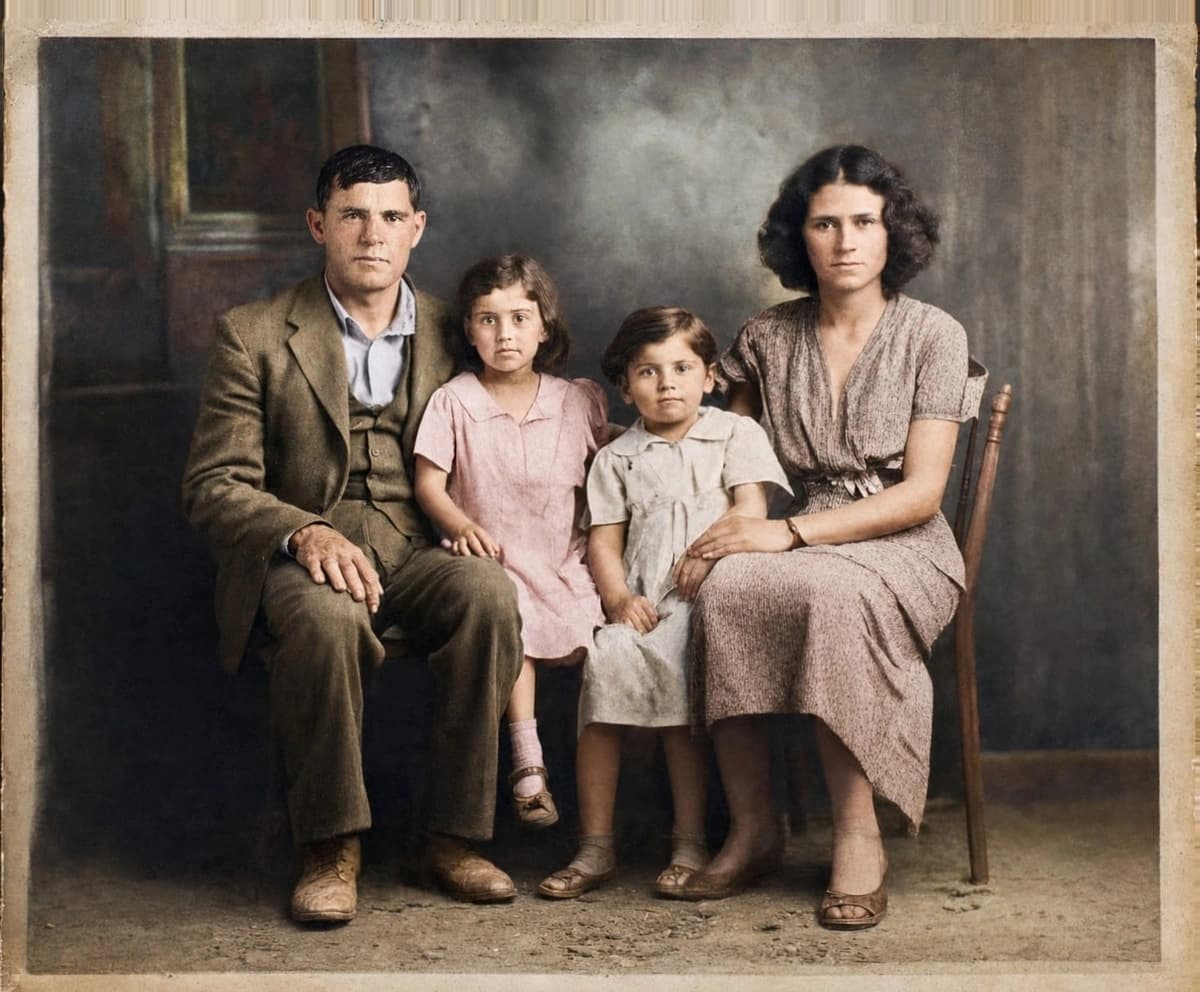
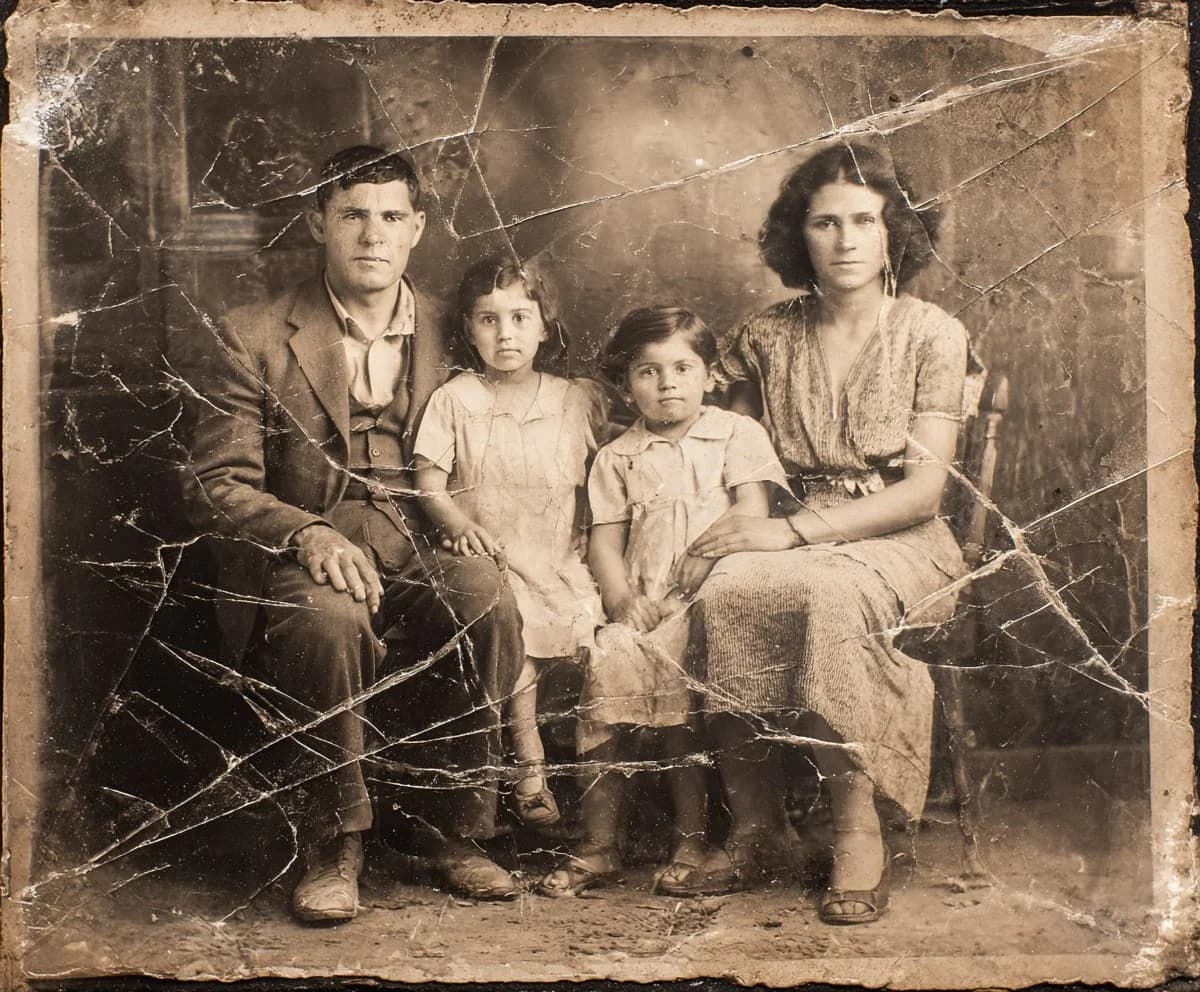
See your family's faded memories in color again. Drag the slider to watch a black-and-white photo come back to life.
How to restore old photos in 3 steps
- 01
Upload your photo
Drop in any old, damaged, or black-and-white photo. JPG or PNG.
Drag photo here or click to select
JPG, PNG, or WebP — up to 25MB
- 02
AI restores and colorizes
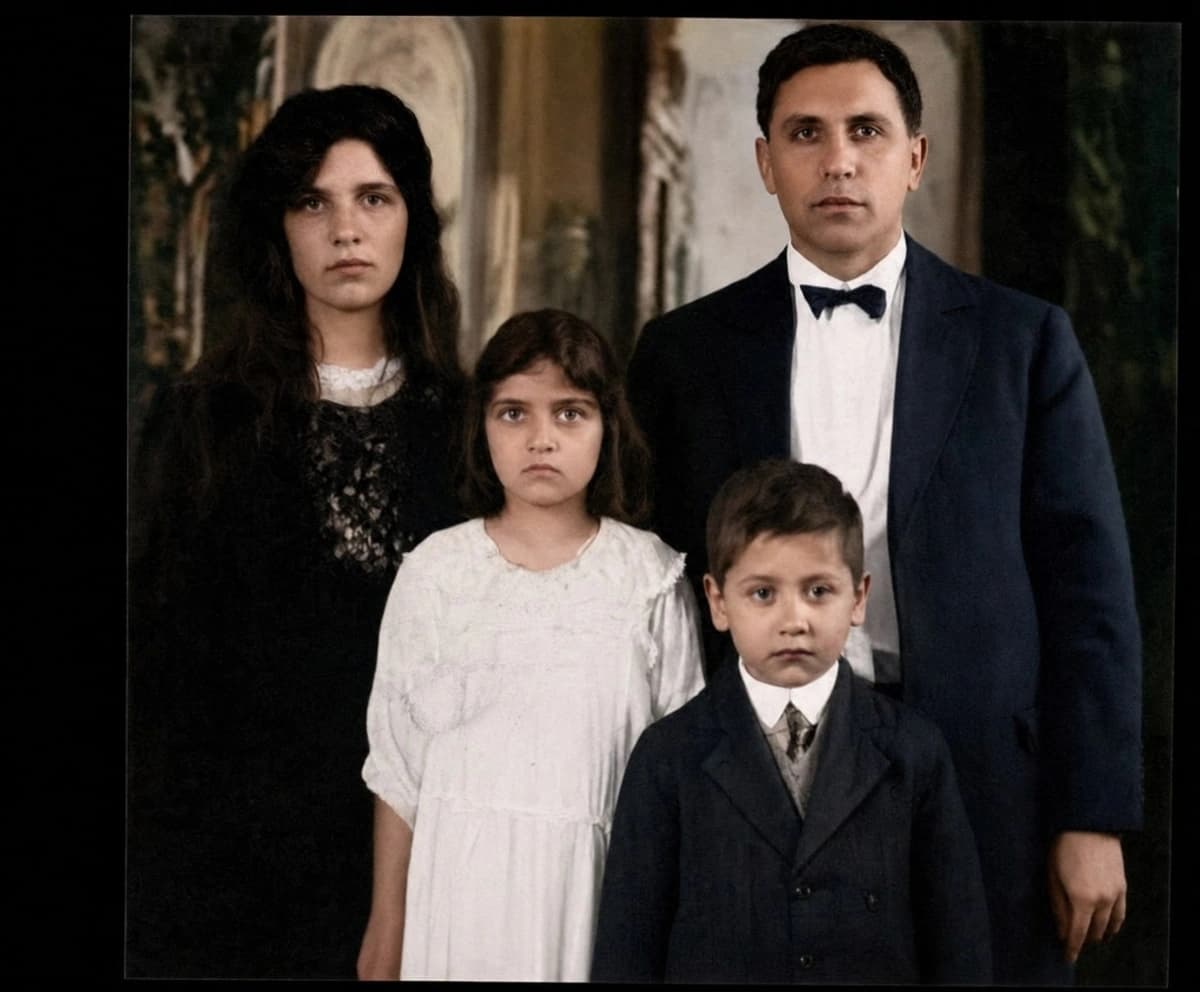
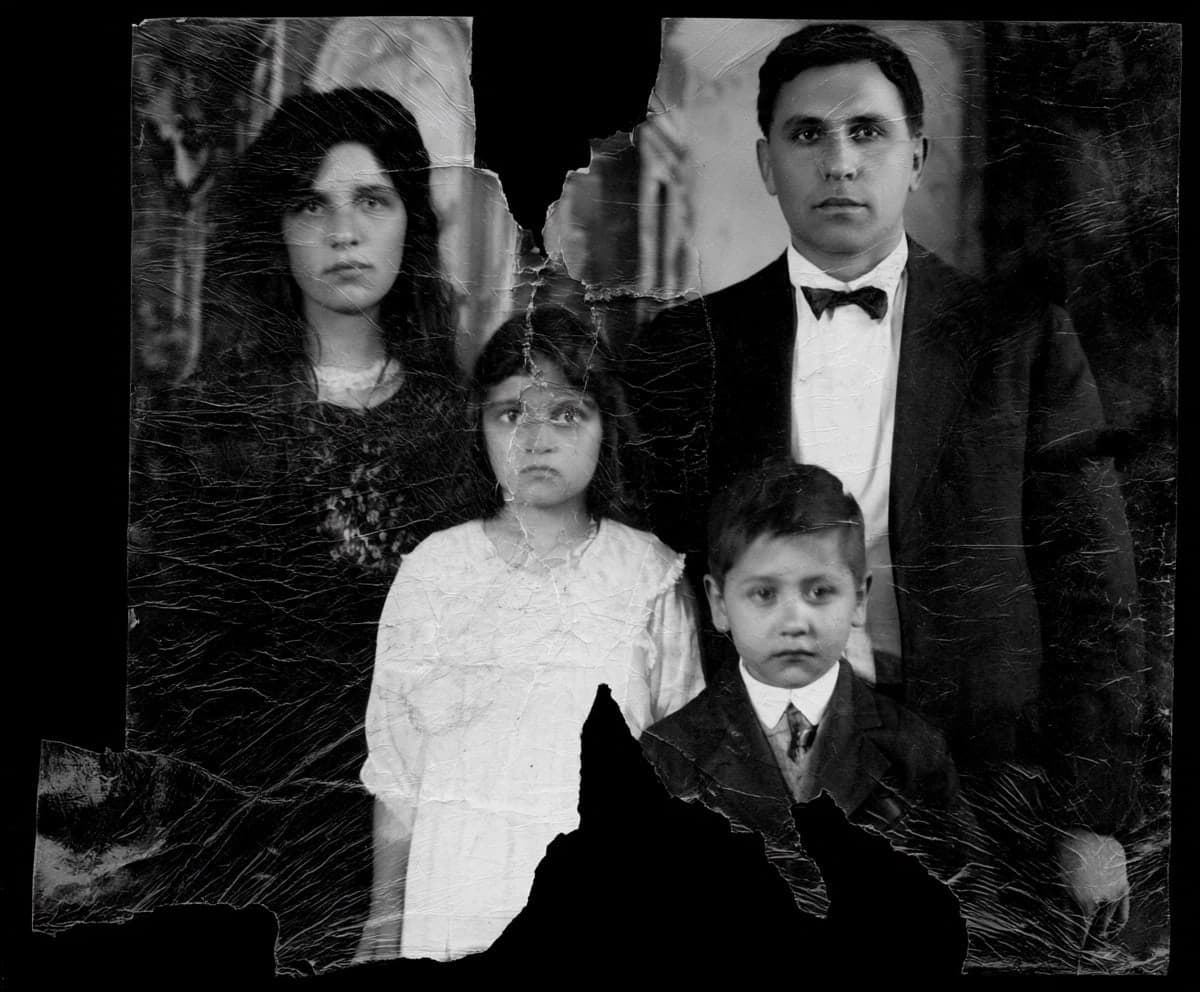
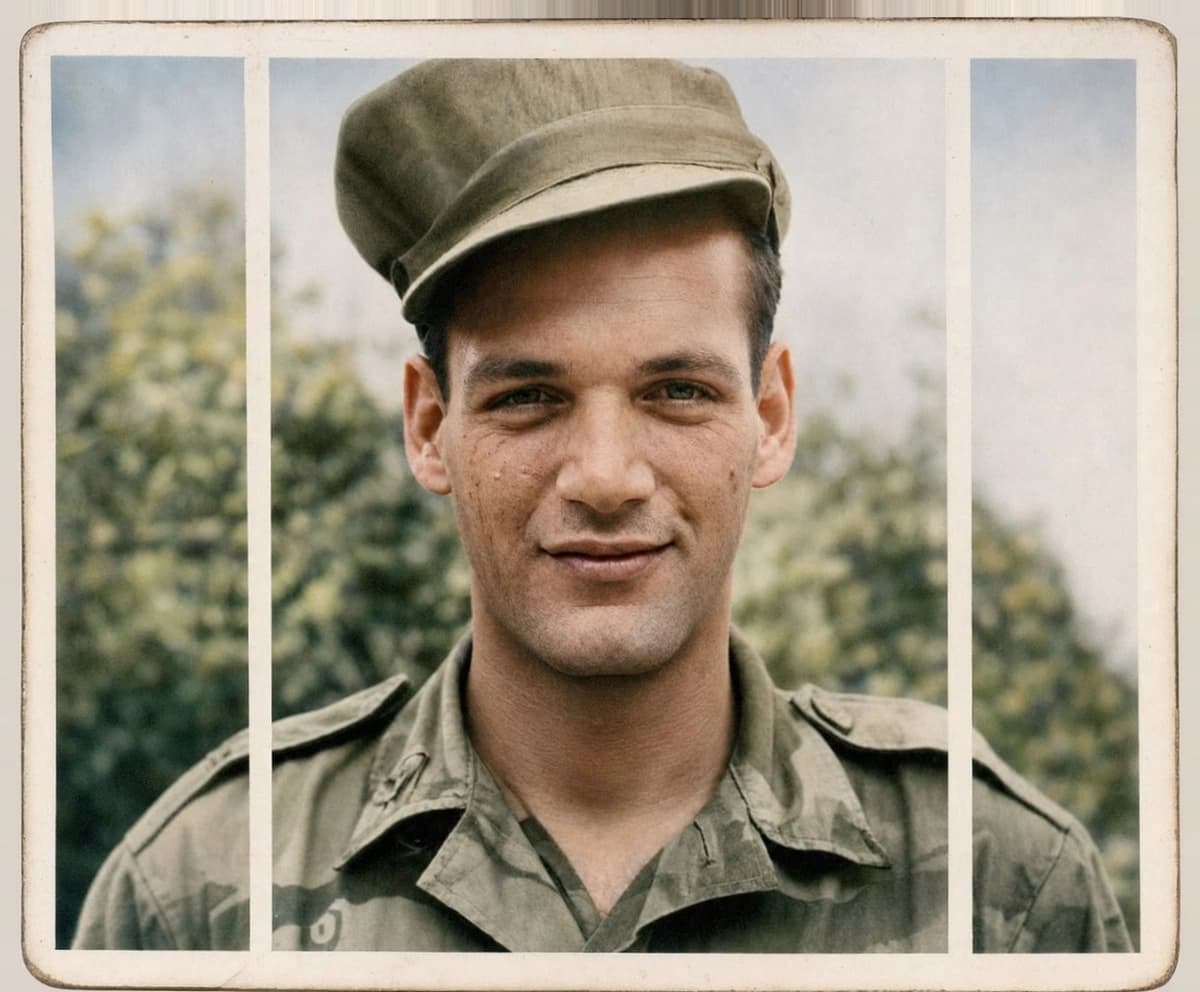
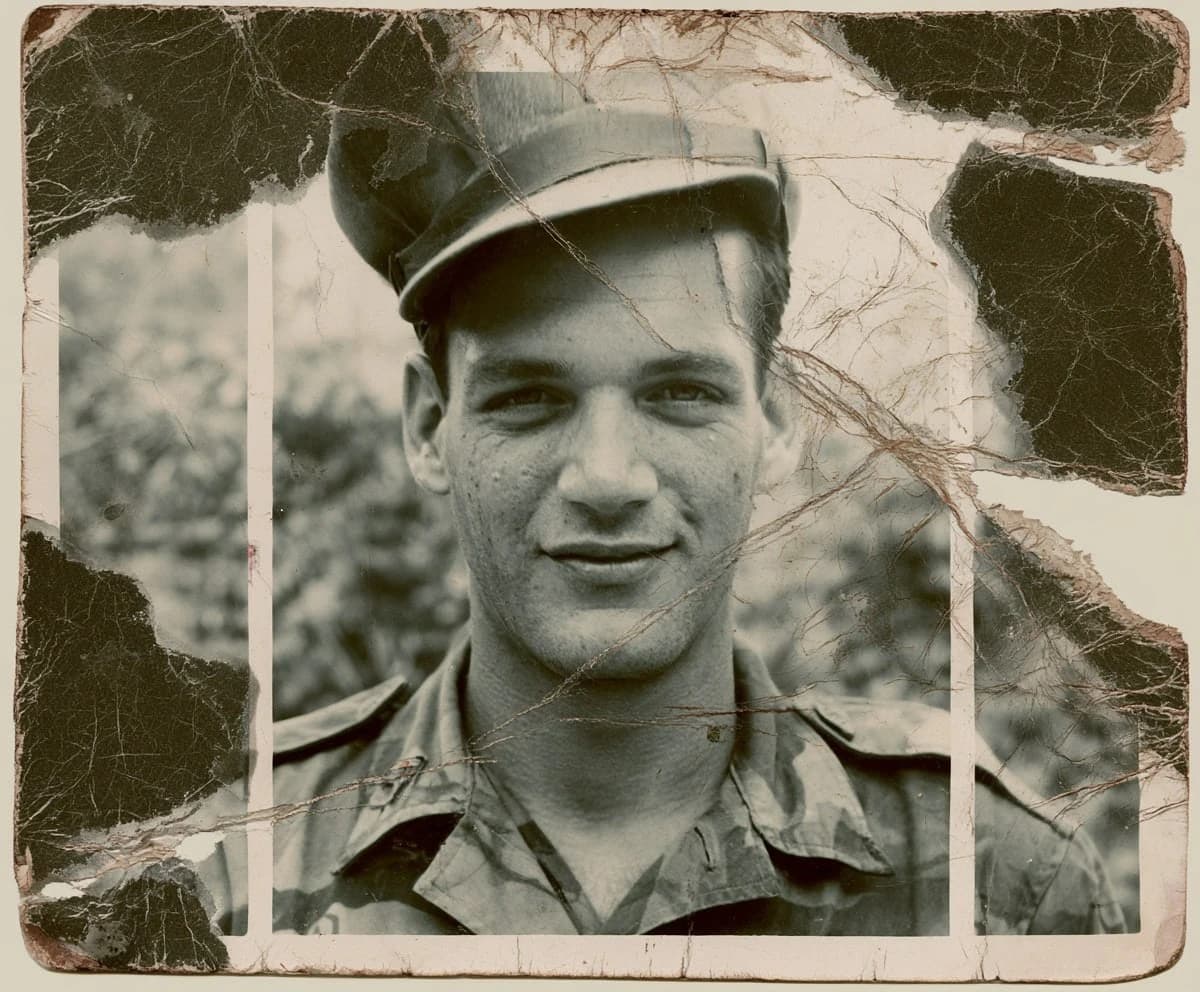
Restory repairs scratches and tears, then adds natural color, keeping every face exactly who they are.
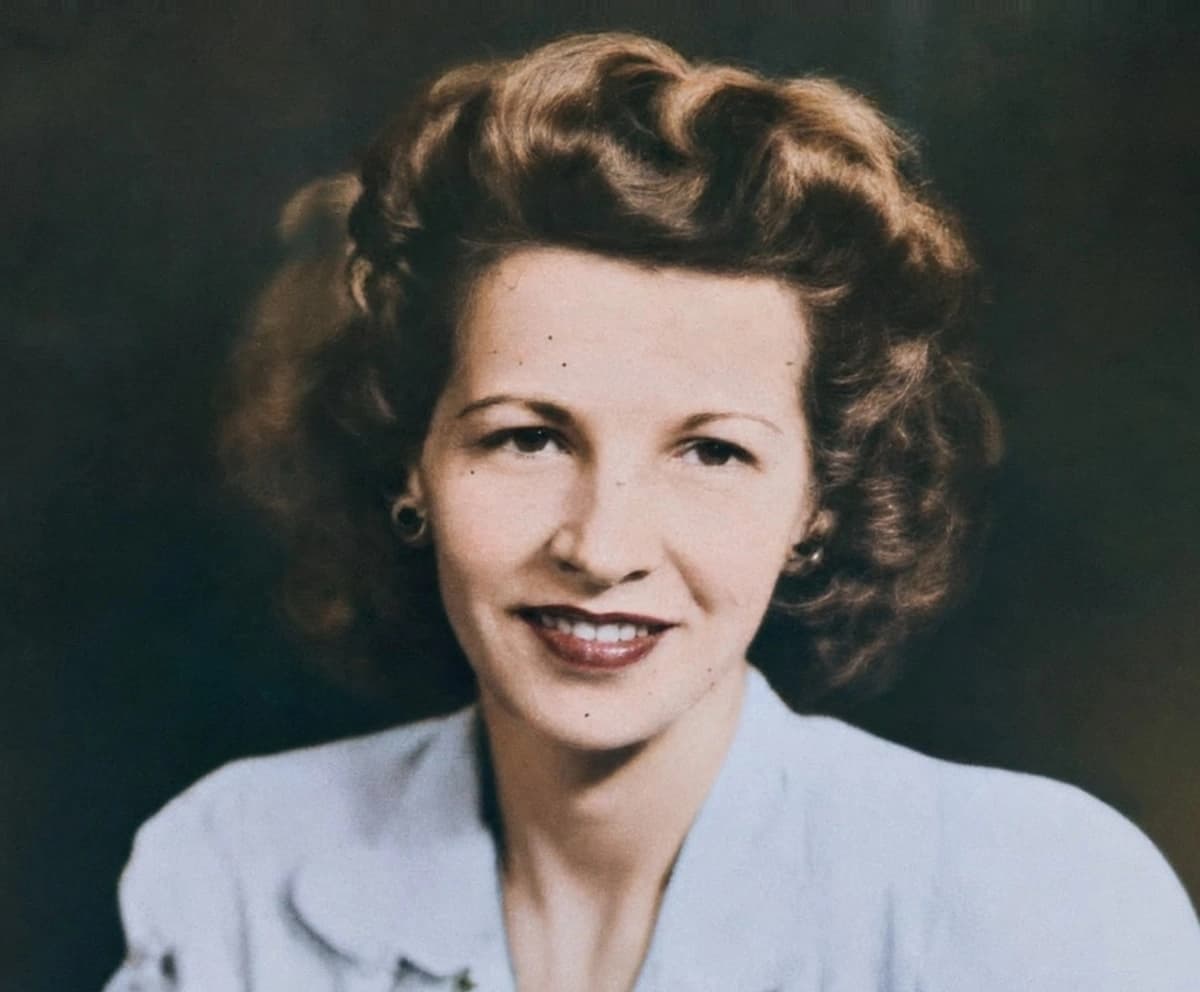 After
After - 03
Download your photo
Get a clean, print-ready image in seconds. Medium for web, high for printing.
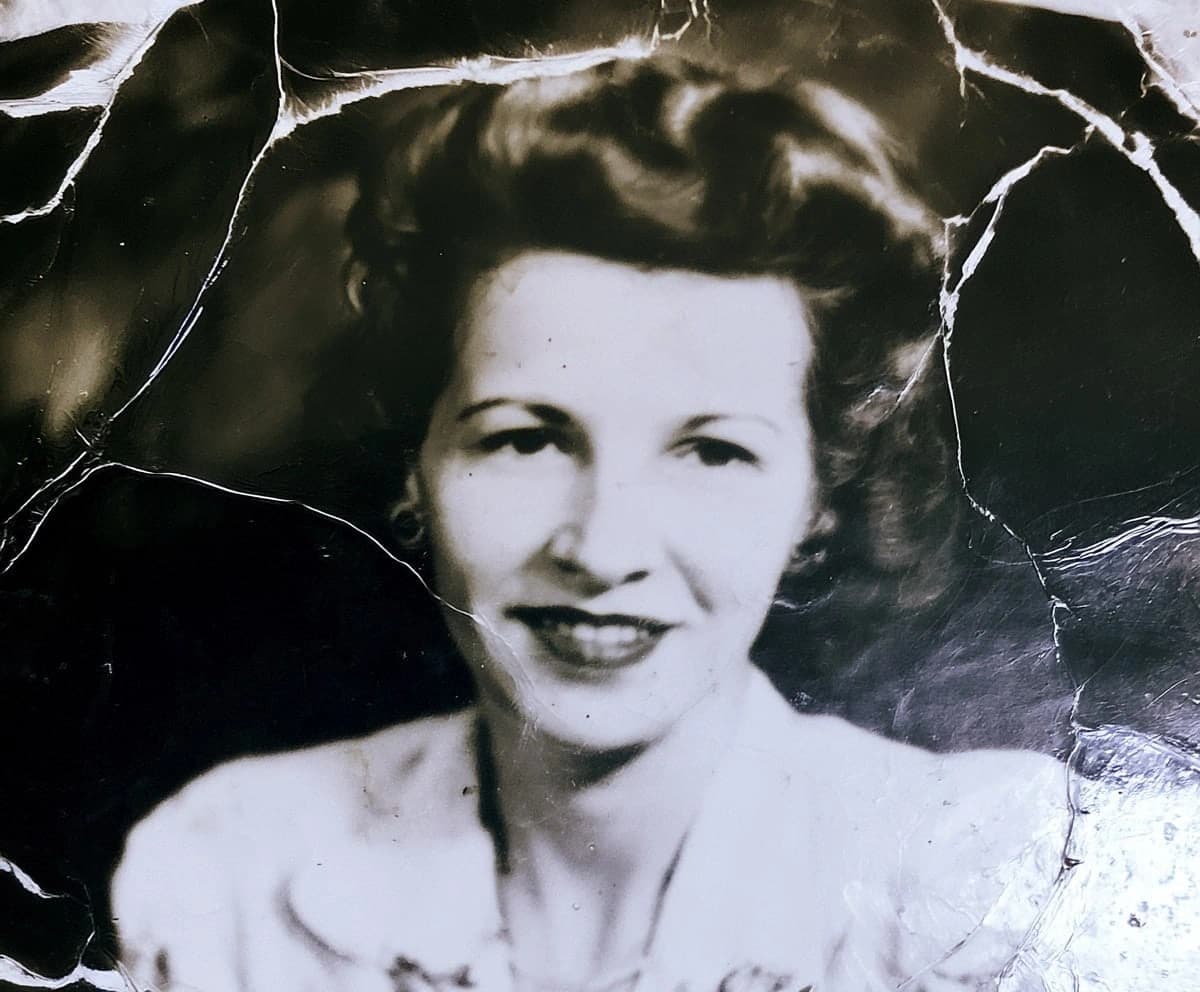
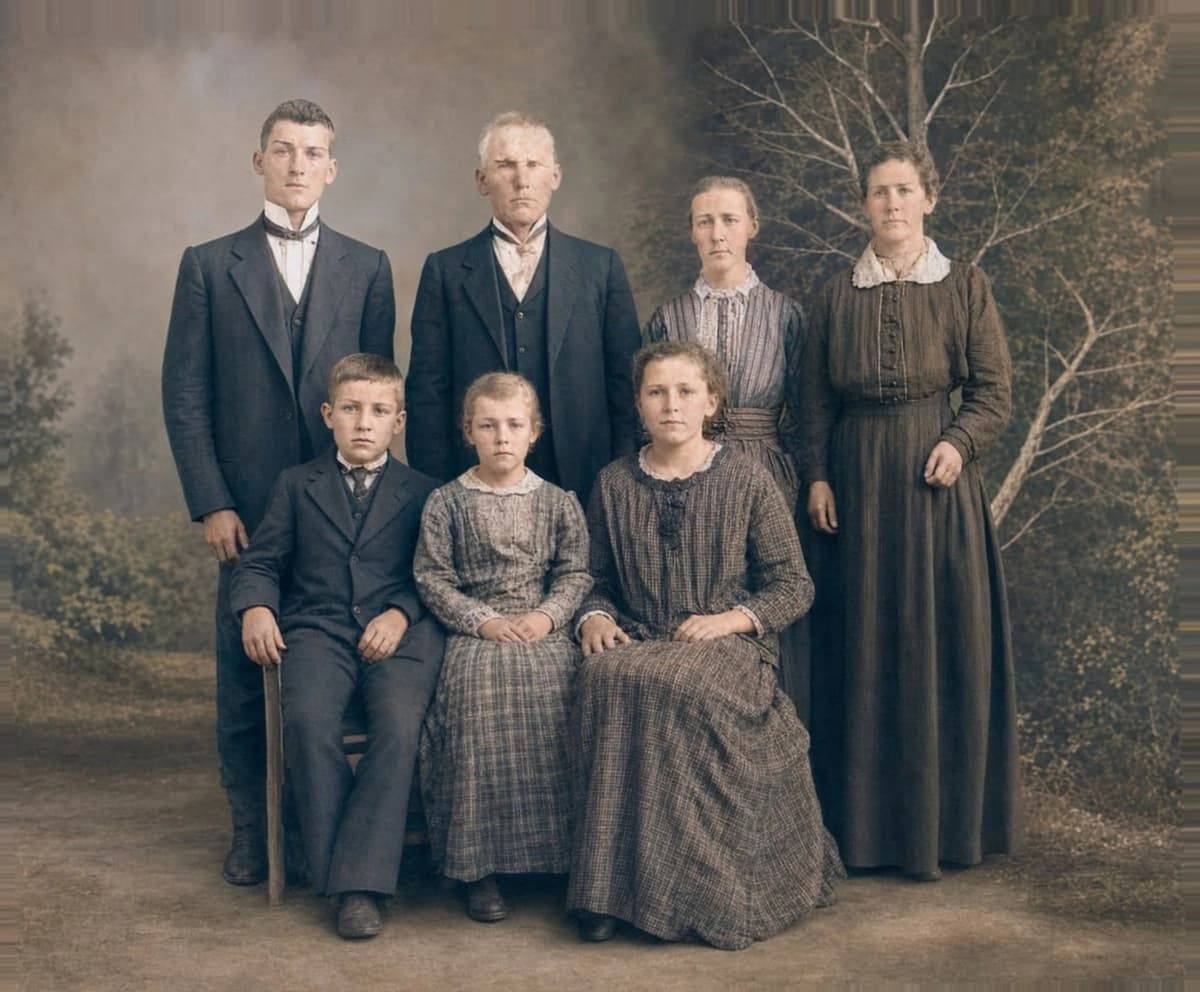
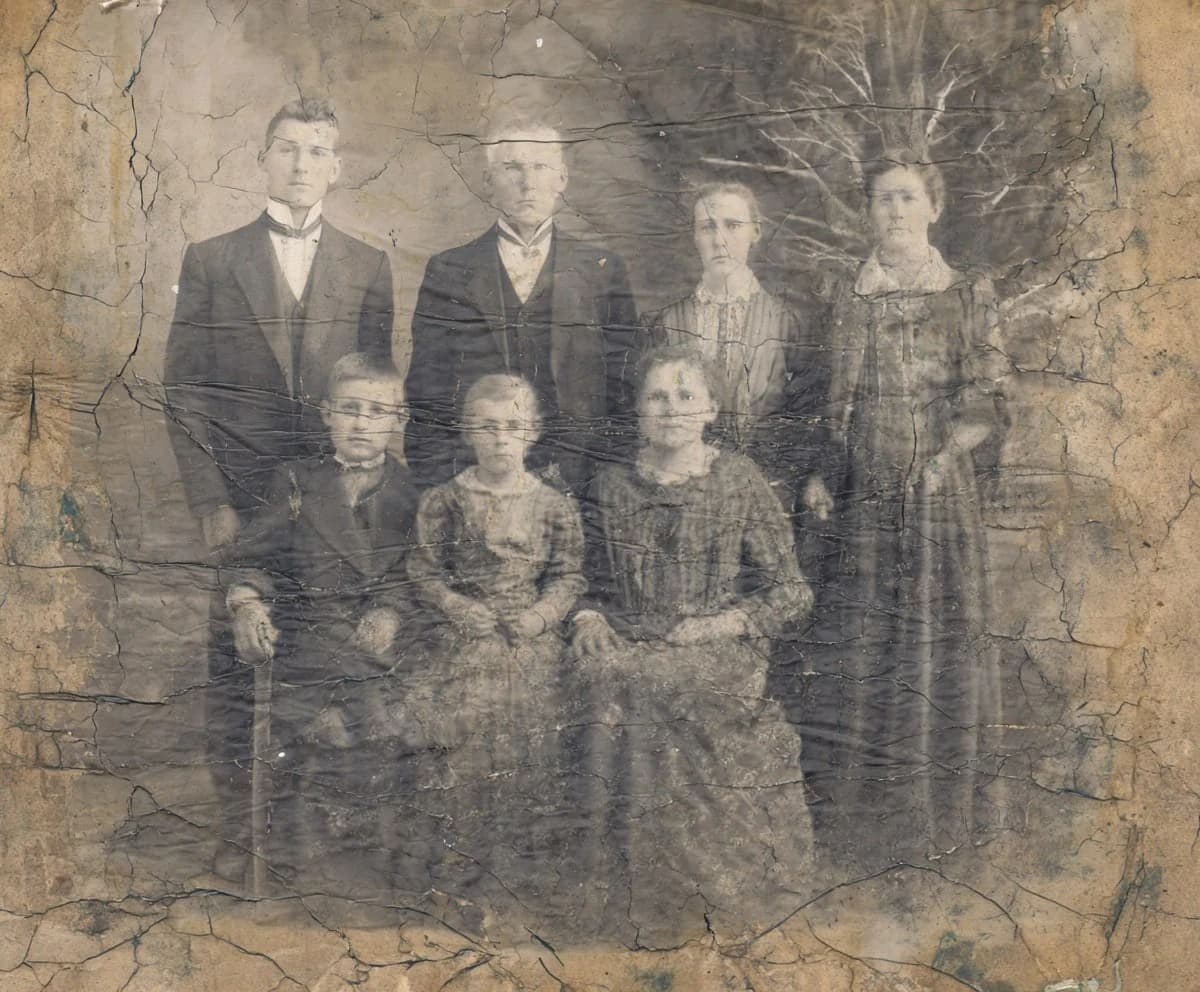
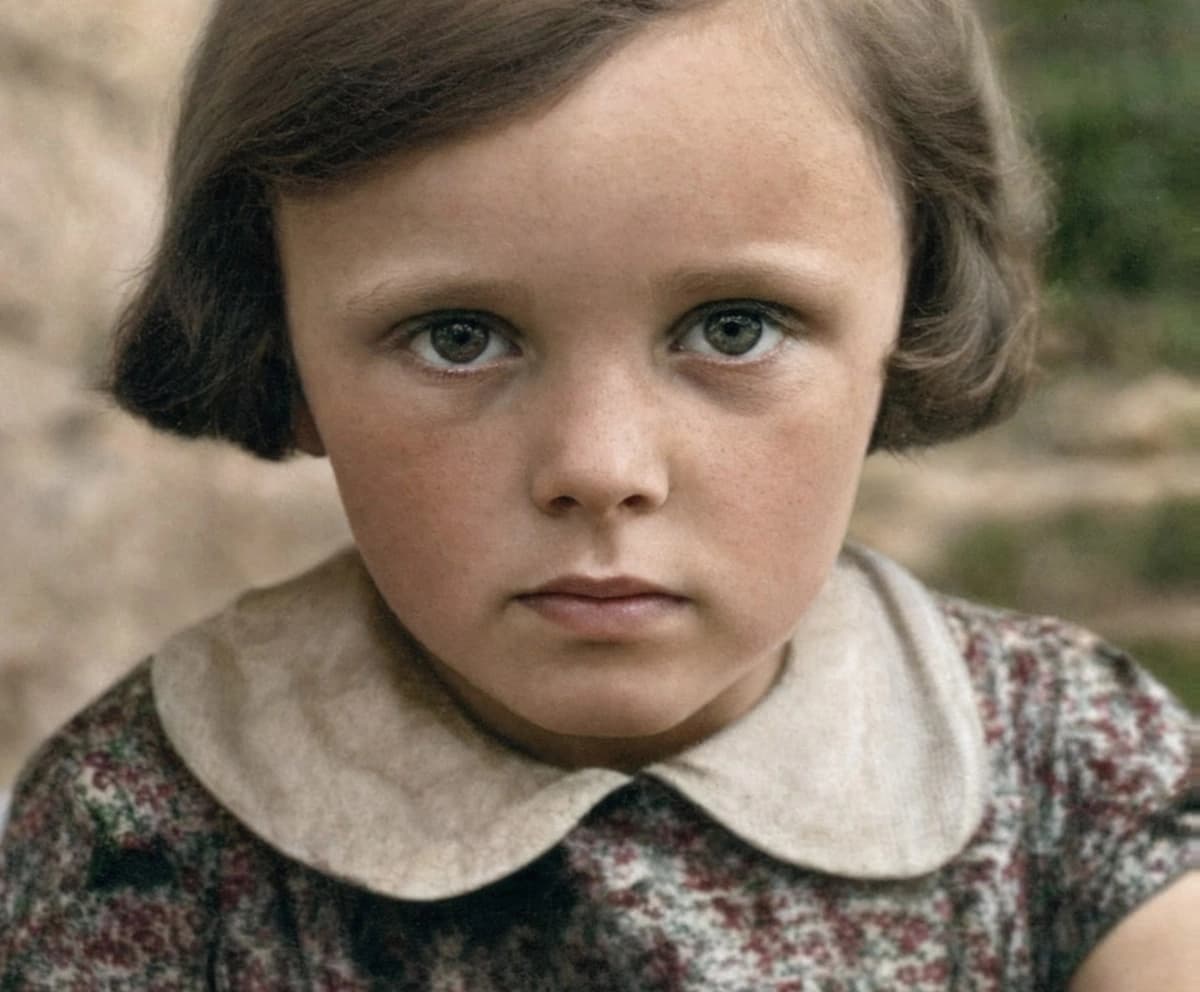
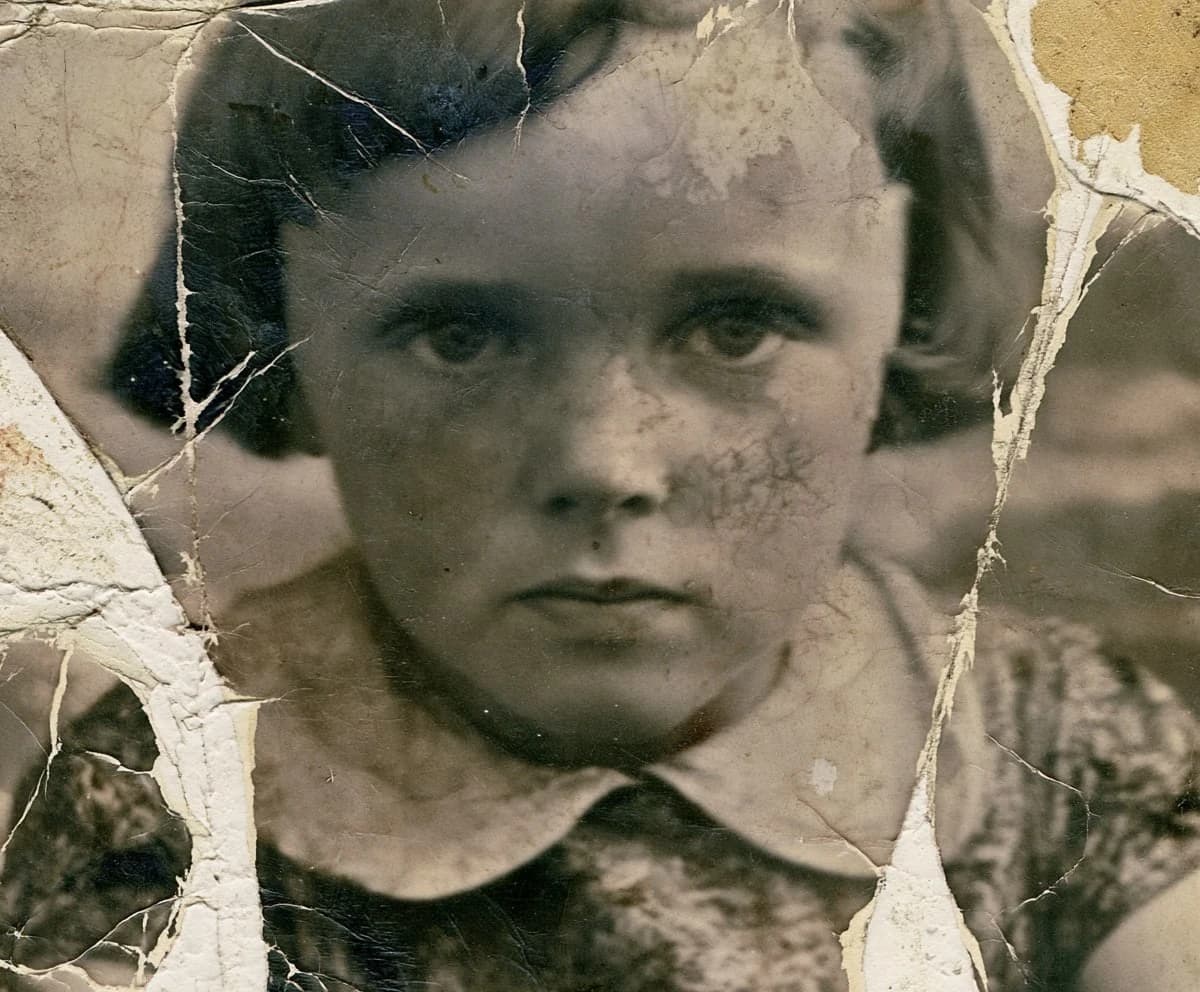
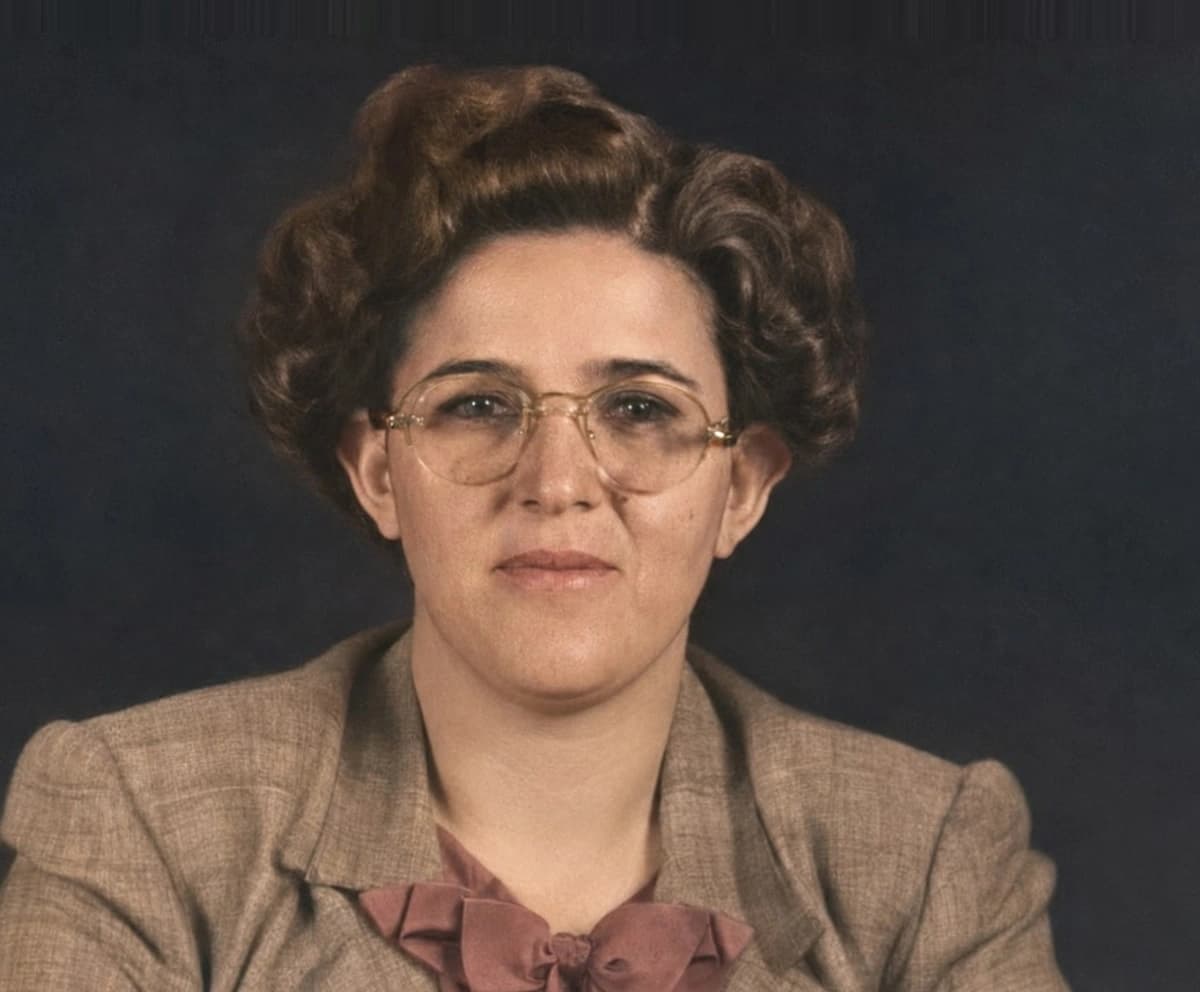
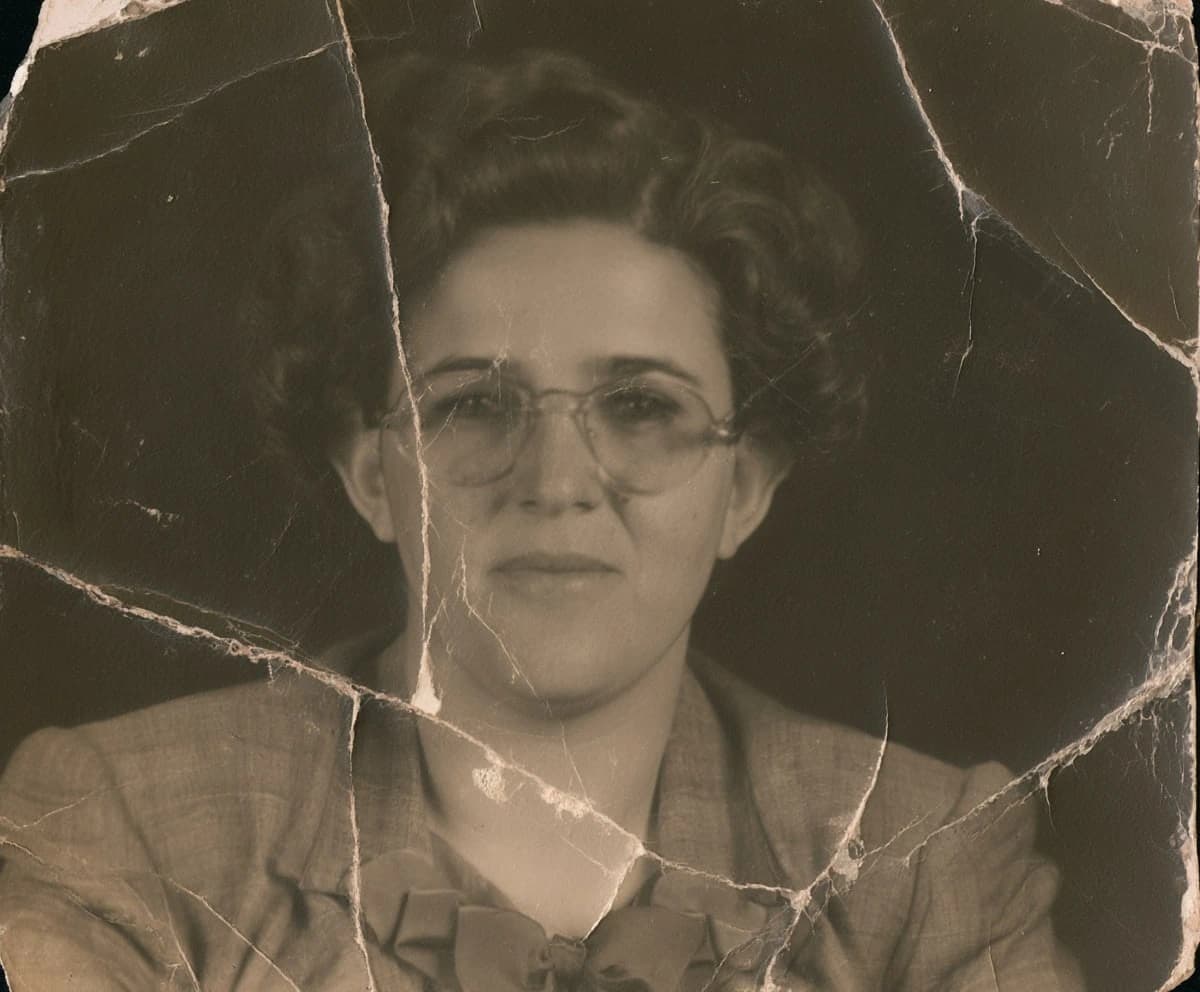
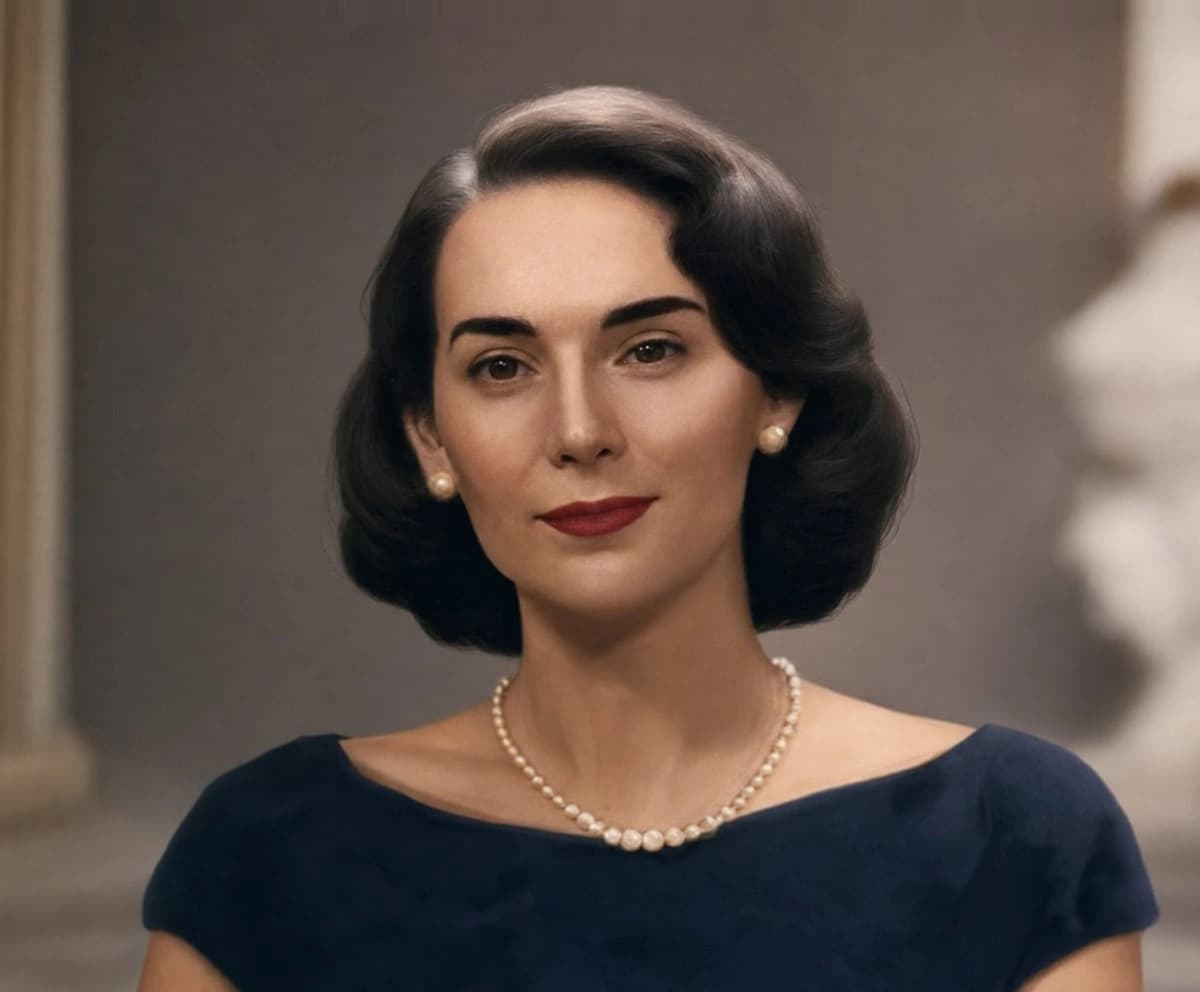
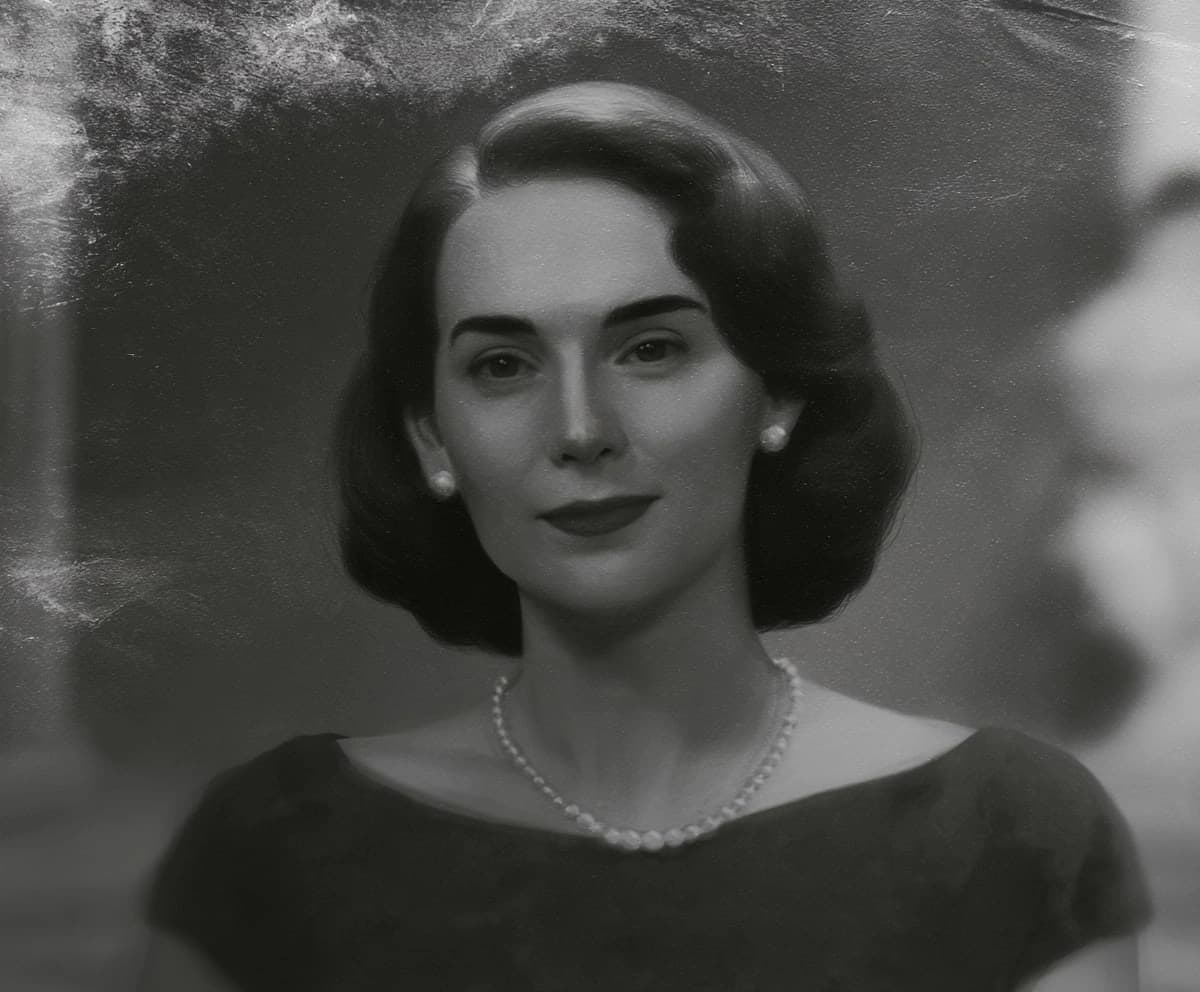
Restoration that keeps the real face
Drag any example to compare the original with the result.
Simple credits. One photo, one credit.
No monthly subscriptions, no hidden fees. Buy photo restoration credits that never expire and restore your family archive at your own pace.
Perfect for trying out the service or restoring a few recent photos.
- Never expire
- Standard priority processing
- Download at any time
Our most popular choice. Great for digitizing a small family album.
- Never expire
- High priority processing
- Dedicated support
Best for large collections and professional work.
- 40 photo credits
- Best for massive photo folders
- Maximum processing speed & priority
For professionals, historians, or massive family collections.
- Never expire
- Highest priority processing
- Dedicated support
Frequently asked questions
Find answers to common questions about our AI photo restoration.
AI photo restoration online — how it works and what to expect
Restory restores old photos with AI in about a minute. Upload a scan or a phone photo of a print, choose whether to repair it, colorize it, or both, and the model rebuilds what time and handling took away — scratches, tears, fading, water stains, and soft focus. There's nothing to install and no editing skill required: the work happens in your browser, and the first photo is free.
Behind the simplicity is an honest tool, not a magic wand. AI restoration recovers the detail that survived and fills small gaps with plausible reconstruction, so a clean print comes back looking like itself, while a badly damaged one is genuinely improved rather than perfected. Whatever your photo needs — repairing a torn family portrait, colorizing a black-and-white photo, rescuing a water-damaged print, or sharpening a blurry face — start with the one that matters most and see the result before you spend anything.
Ready to bring your old memories back to life?
Upload an old or damaged photo and let our advanced AI repair and colorize it in about a minute.